Color Grading with DaVinci Resolve
A course by Sonia Abellán Avilés, Colorist
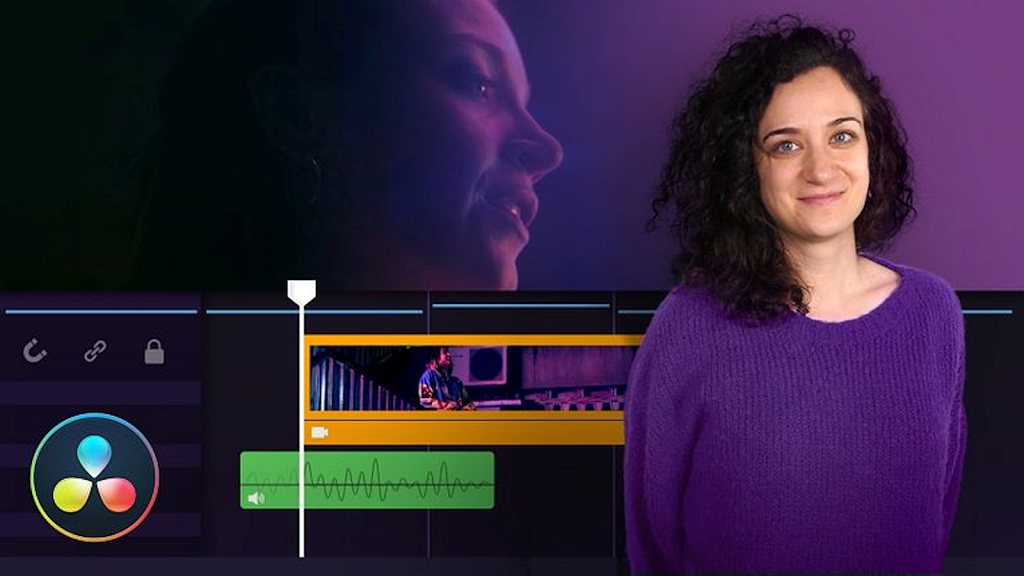
Learn how to use color grading to evoke emotions in an audiovisual project
There’s something magical about a colorist’s role in an audiovisual production process. It’s all about harnessing the expressive possibilities of color to generate sensations in the viewer. Color grading artist Sonia Abellán is here to teach you how to edit your own videos using DaVinci Resolve and show you how to make the most of the options offered by this software.
In this online course, learn to work on audiovisual color correction and grading to give a sense of continuity and harmony to sequences shot with different cameras, lighting conditions, etc. Discover how to make it look like different shots have been filmed in the same place without the viewer realizing. Above all, explore the world of possibilities that color offers when it comes to conveying emotions.
What is this course’s project?
Apply everything you have learned in the course to your own video project to create color effects that awaken emotions in viewers.
Who is this online course for?
Directors of photography, editors, filmmakers, and anyone interested in harnessing the expressive possibilities of color to evoke emotions in an audiovisual project.
Requirements and materials
No previous knowledge is required. However, familiarity with video and photo editing is a bonus.
In terms of materials, you need a computer capable of handling this type of project. Don’t worry if you don’t have DaVinci Resolve installed yet; you can download it for free from the Blackmagic Design website.